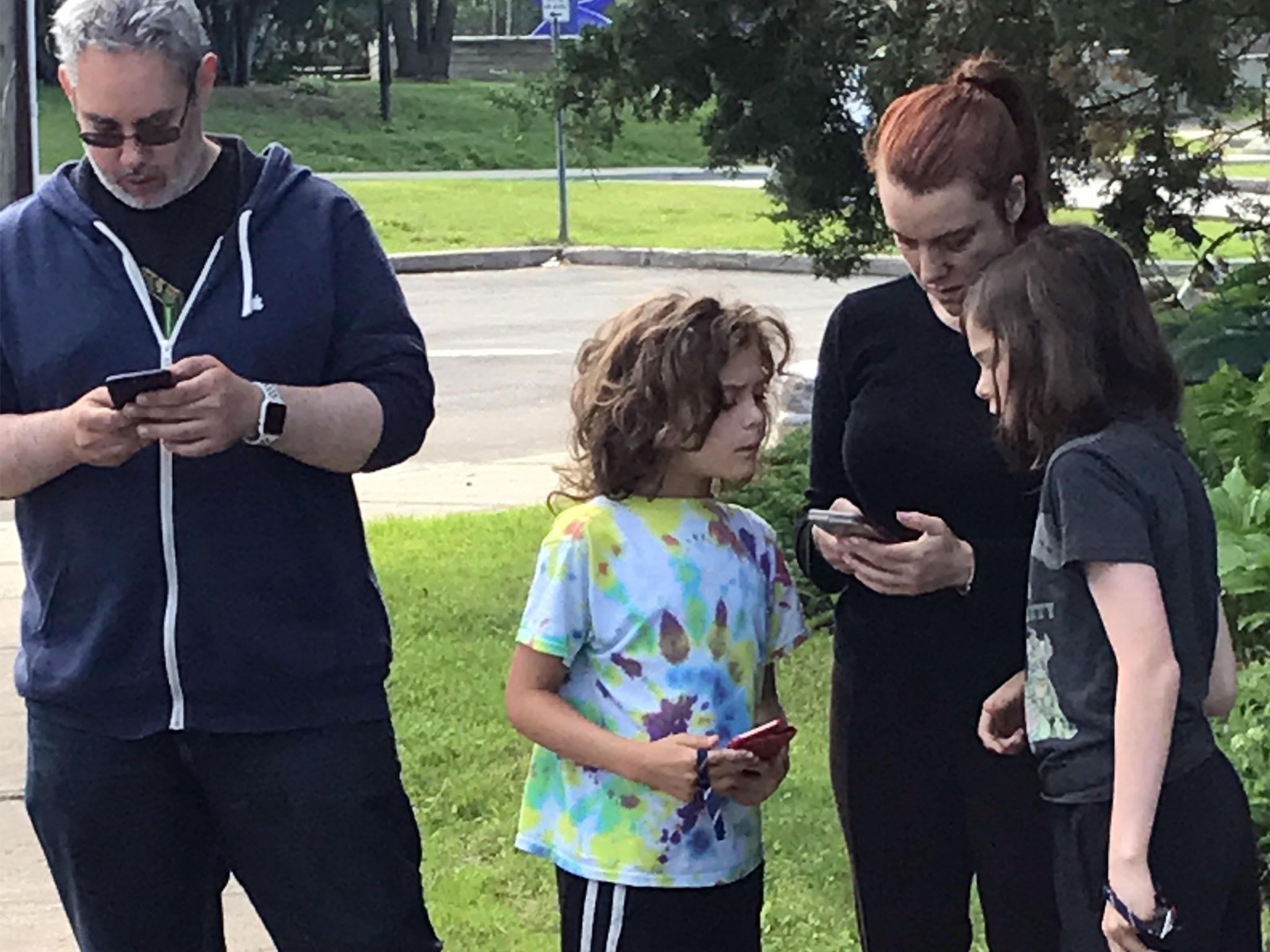
What are the big changes has Apple made with Parental Controls in iOS 12? You've got questions. We've got answers.
Apple has made some changes to how you set up and use Parental Controls, including remote managing, activity reports, and scheduled downtime. Here's what's new in Parental Controls coming in iOS 12.
Viewing your kids' device usage remotely
With new updates in iOS 12, you'll be able to set up Parental Controls through Family sharing so you can manage your child's device usage remotely. You can set allowances for screentime and even set up categories and specific apps. So, you can restrict little Kevin's gaming between 5:00 and 7:00 PM, but allow him to use the education apps he needs for his homework!
Get an overview activity report
Check in with your kids' device usage on a daily, weekly, monthly basis by running an activity report. You can see how much time your child has been using their device, see which apps they're using, and when they've been using it. You can also see how often your little one picks up their phone and how many notifications they receive.
More to come
There's more under the hood we're still learning about for updates to Parental controls in iOS 12. Be sure to bookmark this page because we'll be updating it with new information as we find out more.

from iMore - The #1 iPhone, iPad, and iPod touch blog https://ift.tt/2JqKzjf
Comments
Post a Comment